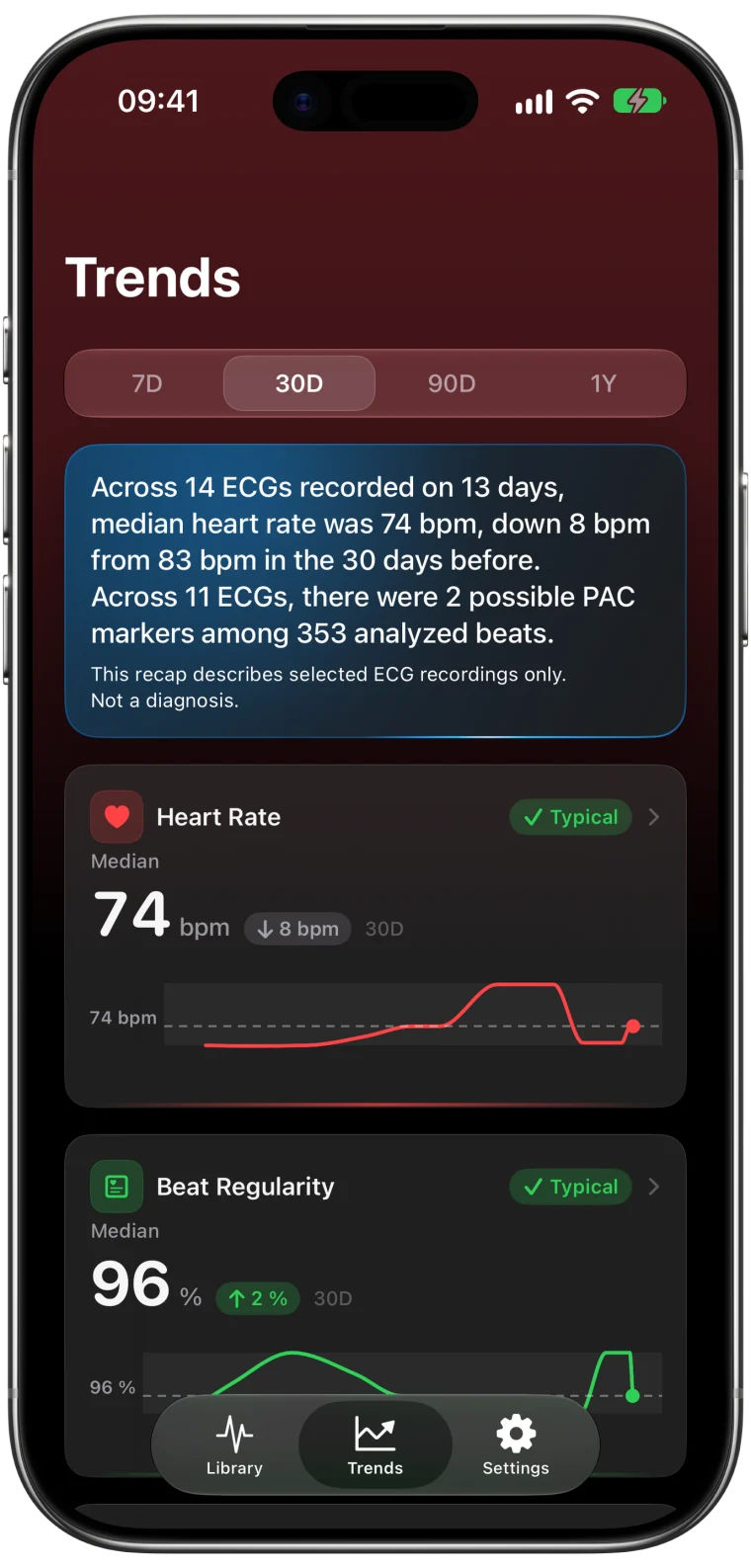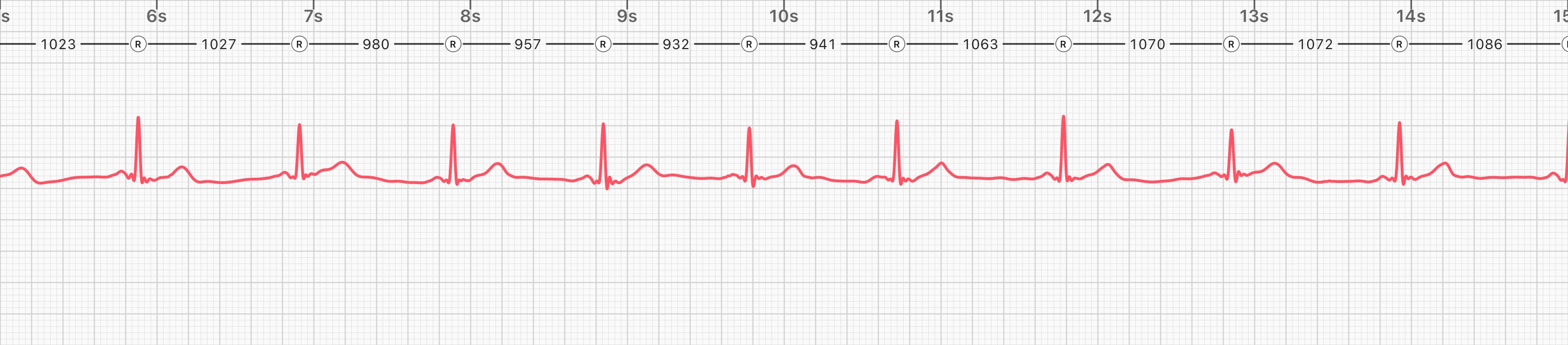
Taking an ECG on Apple Watch is a moment of focus. You sit still, hold your finger on the crown and watch the seconds count down. Until now, the result you saw at the end was a single classification. With ECG Tracker+ on your Watch, you can go one step further and look at the measurements from that recording, and at how they compare with your recent history, without reaching for your phone.
How it works
- Record with Apple's ECG app. Open the ECG app on your Watch and record as usual. Nothing changes here.1
- Your iPhone analyzes the recording. The ECG syncs to Apple Health, and ECG Tracker+ on your paired iPhone analyzes it privately on the device.
- The result appears on your Watch. Open ECG Tracker+ on the Watch to see the measurements from the new recording.
Keep your iPhone nearby and unlocked for the fastest handoff. If it is locked when you record, the app catches up after you unlock it.
What you can see on the Watch
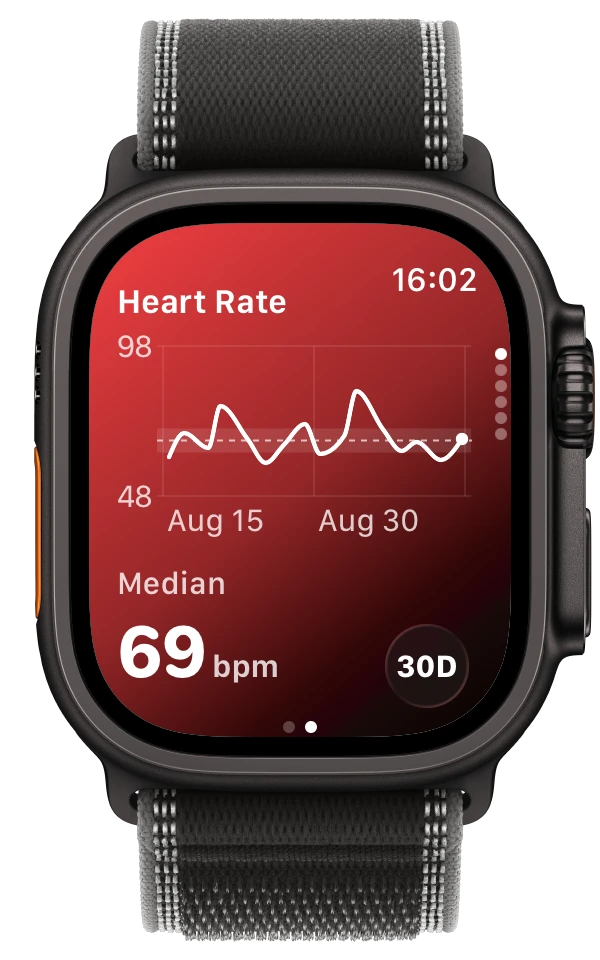
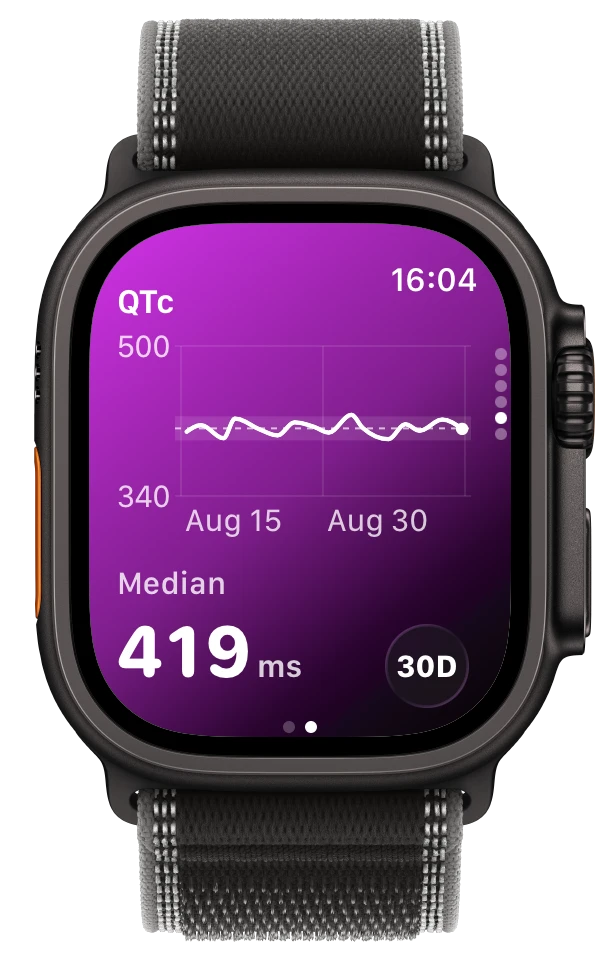
For your latest recordings, the Watch shows the heart rate and other measurements your iPhone prepared. Trends on Apple Watch let you swipe through recent history for:
- Heart rate, with the median for the selected period
- HRV (rMSSD), calculated from your ECG recordings
- QTc, estimated from each recording
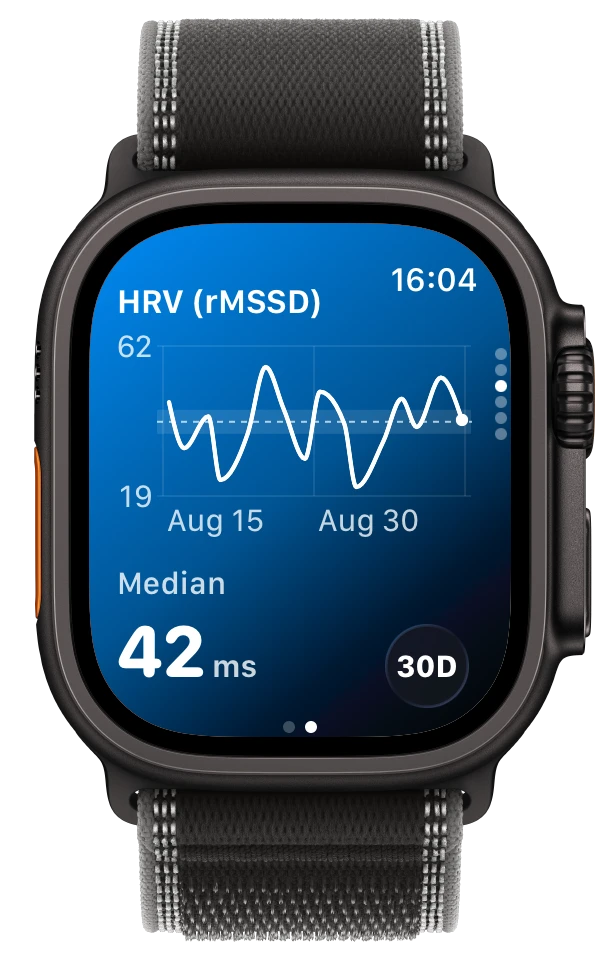
Each chart shows the median for the period and how the values moved. Longer time ranges on the Watch are part of ECG Tracker+ Pro.
Why the Watch does not analyze on its own
Analyzing an ECG well takes more processing than it makes sense to run on a Watch. Keeping it on the iPhone means the same analysis is used everywhere, results match between devices and the Watch app stays quick. It also means your recordings are processed on your own devices, with no server involved.
Tips for the best experience
- Keep the ECG Tracker+ iPhone app installed and Health permission enabled.
- After recording, unlock your iPhone if it was locked.
- Check the date and time on the Watch to make sure you are looking at the newest recording.
- If results seem delayed, follow the Watch update guide.
The Watch app shows saved recordings. It does not watch your heart continuously or send alerts. If you feel unwell, contact a healthcare professional or emergency services.
Frequently asked questions
Does ECG Tracker+ record ECGs on Apple Watch?
No. Apple's ECG app records the ECG. ECG Tracker+ shows the analysis of those recordings on your iPhone and your Watch.
Is the HRV on the Watch the same as HRV in Apple Health?
No. Apple Health reports HRV as SDNN from the optical heart sensor. ECG Tracker+ calculates HRV from your ECG recordings. The two use different data and are not interchangeable. The HRV guide explains the difference.
Which Apple Watch models are supported?
You need an Apple Watch that can record ECGs with Apple's ECG app, paired with an iPhone running ECG Tracker+. The App Store listing shows the current watchOS requirement.