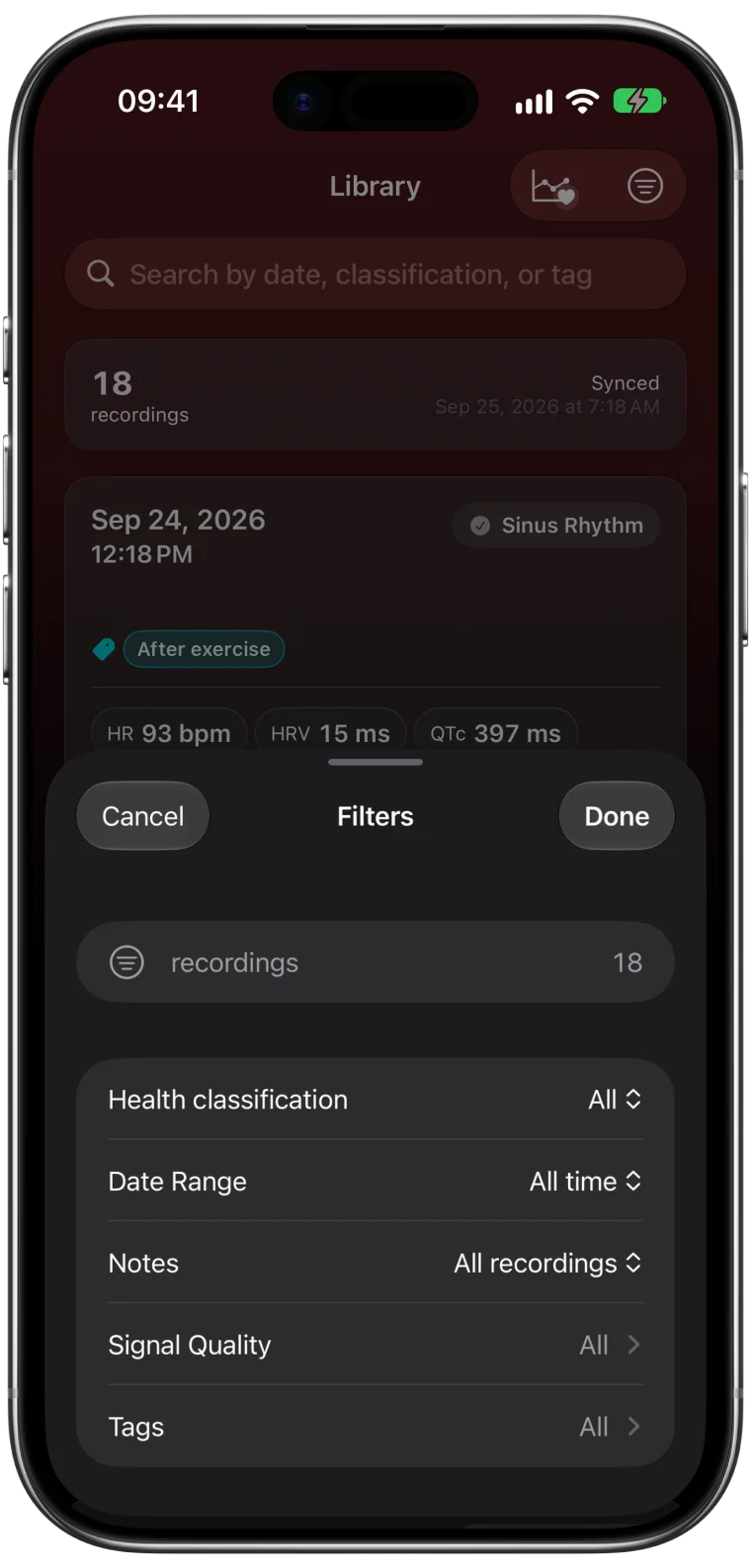
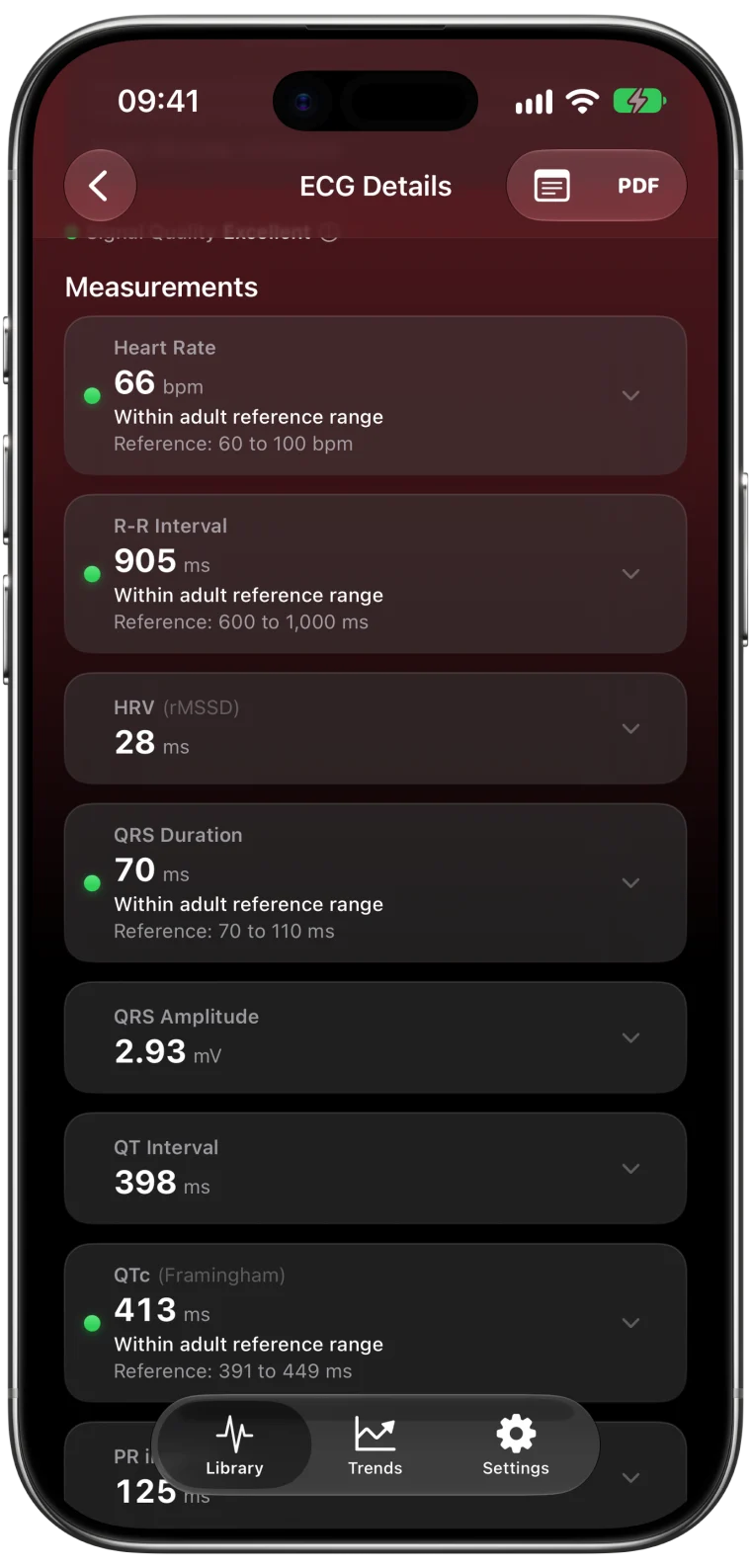
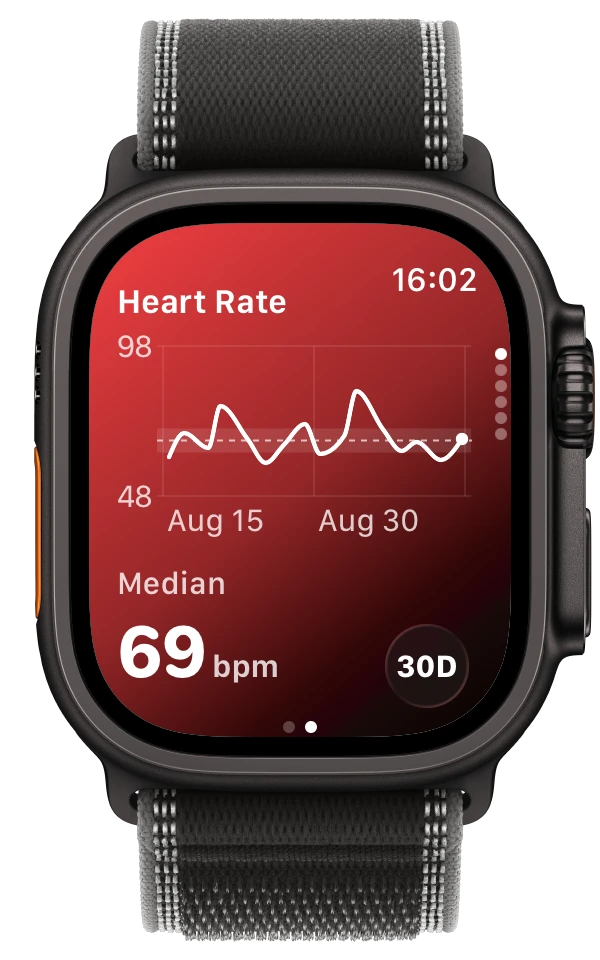
It is a satisfying loop when it works. You record an ECG with Apple's ECG app, and a moment later ECG Tracker+ on your Watch shows the result with its measurements. When that loop stalls, it helps to know that the Watch never analyzes anything itself. It waits for the iPhone.
How a new ECG travels from your wrist and back
Every result passes through three places, always in this order.
| Stage | Where to look | What it tells you |
|---|---|---|
| 1. Recorded | Apple Health on iPhone | The Watch saved and synced the ECG |
| 2. Analyzed | ECG Tracker+ on iPhone | The measurements for that ECG are ready |
| 3. Delivered | ECG Tracker+ on Apple Watch | The ready result reached your wrist |
When the Watch looks stuck, find the first stage where the recording is missing. That is where to look, and the rest of the chain will follow.
Stage 1: The ECG is not in Health yet
If Health does not have the recording, neither app can show it. Follow the missing ECG guide first, then come back here.
Stage 2: Unlock the iPhone and open the app
Analysis happens on your iPhone, and iOS encrypts Health data while the phone is locked. After a restart in particular, apps cannot read new recordings until you unlock the iPhone.1
The quickest fix is simple. Keep the iPhone nearby, unlock it and open ECG Tracker+. Once the new ECG shows its measurements on the phone, the Watch has something to receive. If the iPhone was locked when you recorded, the app catches up after you unlock it.
Stage 3: Let the Watch receive the result
With the result ready on the phone, open ECG Tracker+ on the Watch. Delivery depends on Bluetooth and Wi-Fi connectivity and on how iOS and watchOS schedule background work, so there is no fixed time for it. Keeping both devices close and unlocked gives the fastest handoff.
Check the date and time of the entry you are looking at. The Watch keeps earlier results, so seeing yesterday's ECG only tells you that an older result arrived. It says nothing about today's recording.
When a measurement is missing on both devices
If the phone and the Watch both show a measurement as unavailable, they agree with each other. The connection is fine, and the reason lies in the recording itself or in its access level. The explanation next to the value on your iPhone tells you which. The measurement availability guide covers each case.
If the delay keeps happening
Note the pattern before you contact support. It helps to know whether delays follow a restart, happen only while the phone is locked, or continue with both apps open. Include the app versions, the recording time and any exact status text.2
Keep the original ECG in Health while you investigate, and avoid reinstalling either app as a first step. Reinstalling can remove local notes and tags.
The Watch app lets you review saved recordings. It does not monitor your heart or alert anyone. If you feel unwell, contact a healthcare professional or emergency services directly.
Frequently asked questions
Does the ECG Tracker+ Watch app analyze my ECG?
No. Your iPhone analyzes each recording on-device and sends the prepared result to the Watch. That keeps the heavy work on the phone and the Watch app fast.
Why does my Watch show an older ECG?
The Watch keeps results it received earlier. Check the timestamp. A new recording appears once your iPhone has analyzed it and the devices have connected.
Do I need to keep my iPhone unlocked?
Only for the handoff. Unlocking the iPhone after you record gives the app access to the new ECG. Once the result is ready, the Watch can receive it.