Few things are as annoying as holding still for 30 seconds only to read "Inconclusive". Some people get it once in a while. Others get it almost every time. The result does not mean something is wrong with you, and it does not mean the recording is useless. It means Apple's ECG app could not place the recording into one of its categories.
The main reasons for an Inconclusive result
Apple lists several situations that lead to an Inconclusive classification.1
| Reason | What it looks like | Can you change it? |
|---|---|---|
| Heart rate 100 to 120 bpm (version 1) | A fast but regular rhythm | Rest a few minutes and record again |
| Other arrhythmias, which can include frequent extra beats | Rhythms the app is not designed to classify | No, but keep the recording |
| Pacemaker or ICD | Paced beats | No, discuss recordings with your care team |
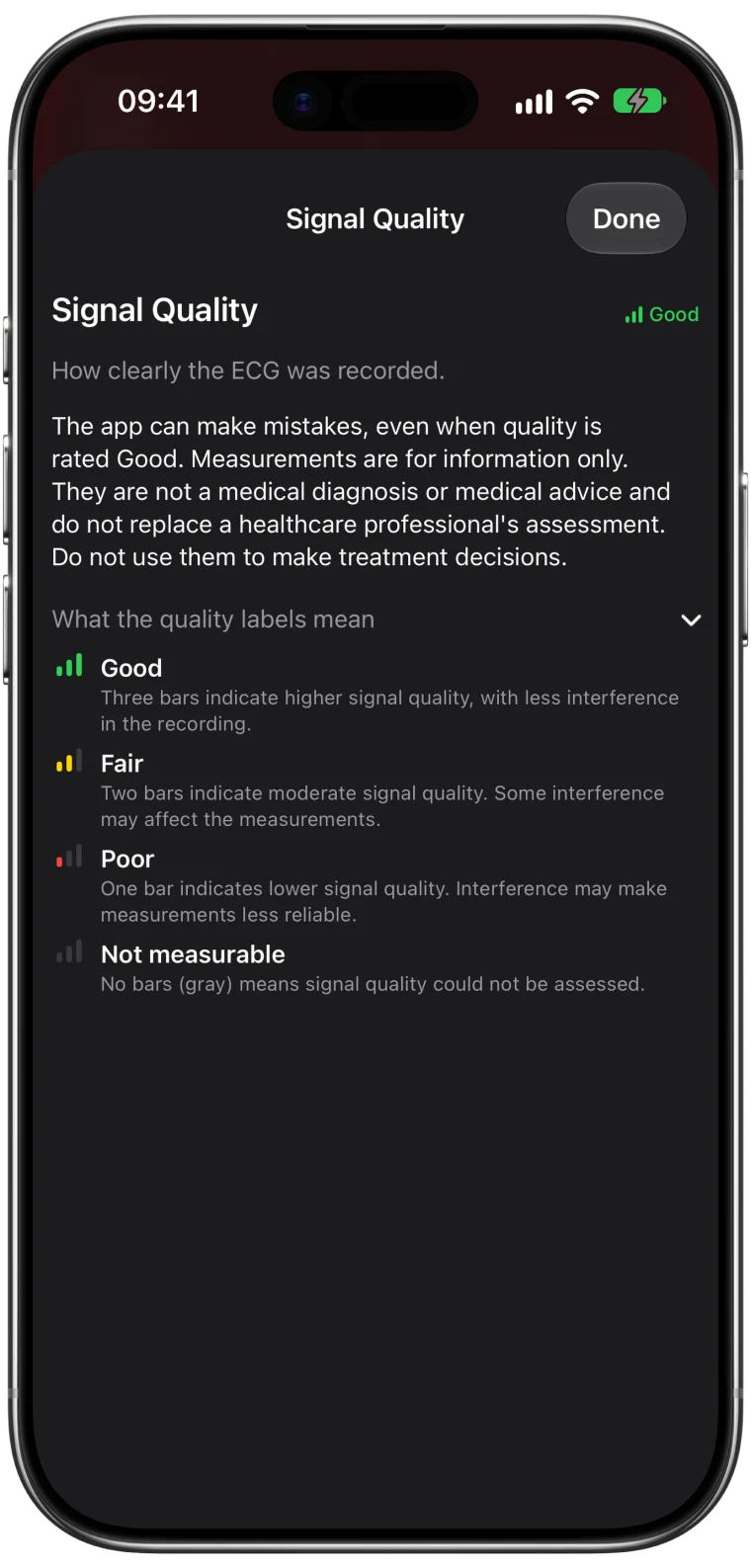
| Weak signal | Small waves, sometimes due to heart position | Sometimes, by improving contact |
| Arms not resting, loose band (version 1) | Noisy or unsteady baseline | Yes, with better technique |
In ECG app version 2, signal problems are usually reported as Poor Recording instead.
Extra beats are a common cause
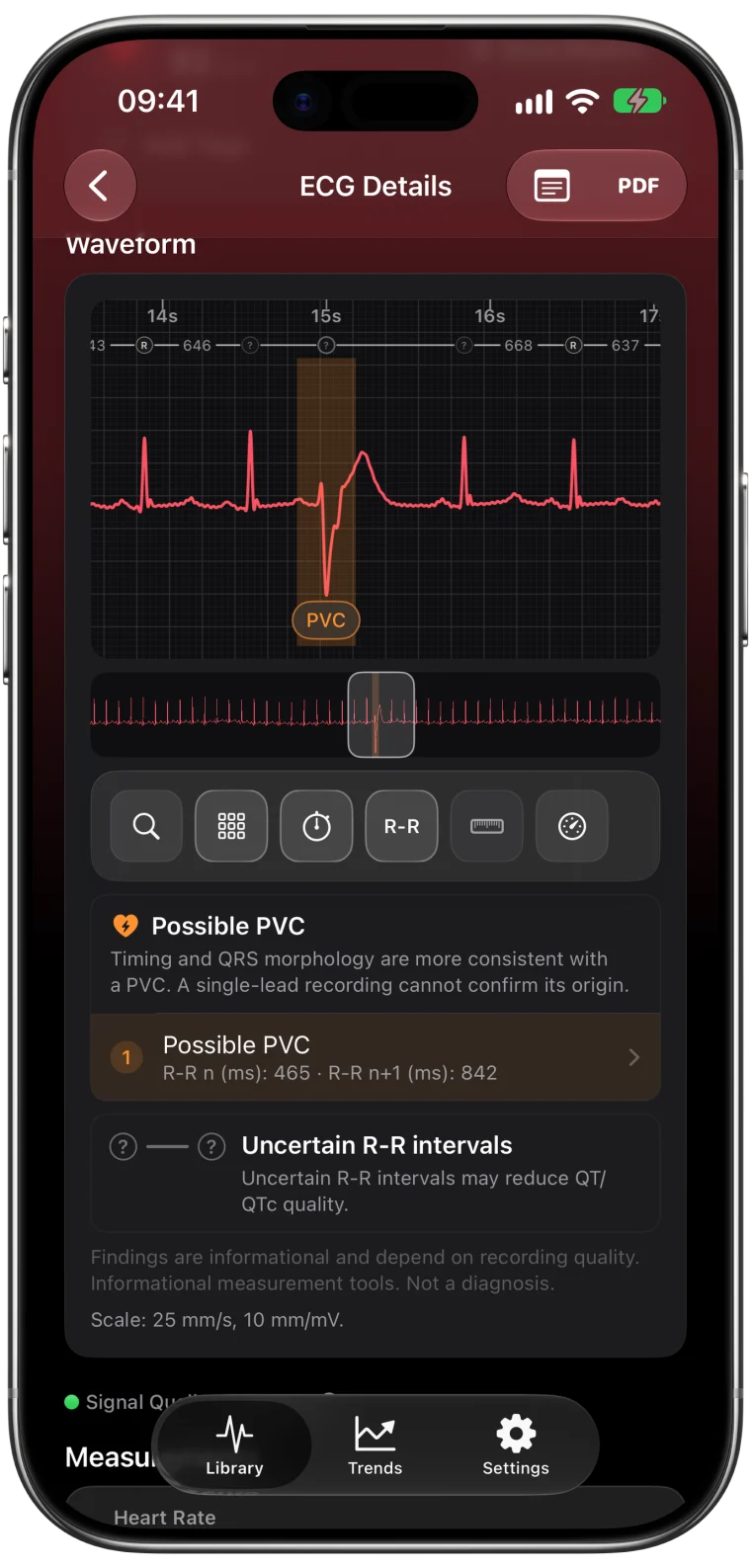
Premature beats, such as PACs and PVCs, interrupt the regular pattern the app is looking for. A recording with several of them may not fit either Sinus Rhythm or AFib, so it can come back Inconclusive.
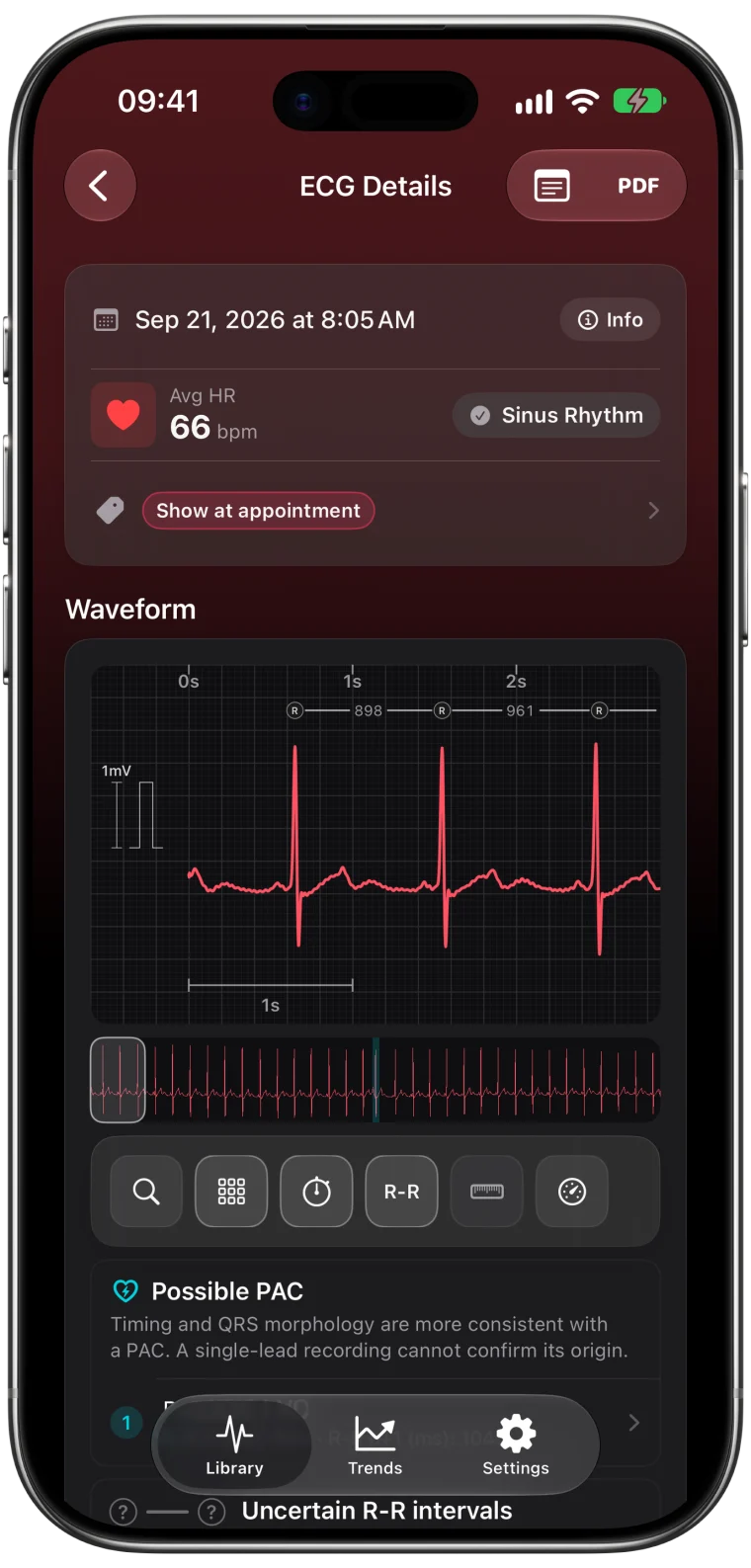
This is exactly where a detailed view helps. ECG Tracker+ marks possible extra beats on the waveform and shows the timing around them, so an Inconclusive recording can still show you what happened during those 30 seconds.
Heart rate between 100 and 120 bpm
In version 1 of the ECG app, a regular heart rate between 100 and 120 bpm is reported as Inconclusive rather than Sinus Rhythm.1 This often happens after climbing stairs, drinking coffee or feeling anxious about the recording itself. Sit quietly for five minutes, breathe normally and try again.
Signal problems
Weak or noisy signals are the most fixable cause. Check the basics:
- Rest your arms on a table or in your lap.
- Wear the band snug, with the back of the Watch touching your skin.
- Make sure your wrist, finger and Watch are clean and dry.
- Confirm the Watch is on the wrist chosen under Watch Orientation in the Apple Watch app.
- Move away from plugged-in electronics.
These tips come straight from Apple.1 The guide to a cleaner ECG explains why each one matters.
For a small number of people, the position of the heart in the chest makes the signal on the Watch naturally weak. Apple notes that this can prevent a good recording.1
When Inconclusive keeps happening
If most of your recordings are Inconclusive, look for a pattern. Do they happen at a certain time of day, after activity or when you feel something unusual? Tag them in ECG Tracker+ and add short notes. A clinician can then see the recordings together, which is far more useful than a single strip.
If you have a pacemaker or ICD, Inconclusive results are expected. Your care team can check your device and rhythm with the right tools.
If you feel unwell, do not wait for a classifiable recording. Talk to a doctor, and call emergency services for chest pain, fainting or severe shortness of breath.
Frequently asked questions
Why is my Apple Watch ECG always Inconclusive?
Frequent Inconclusive results can come from extra beats or another rhythm the app cannot classify, a heart rate between 100 and 120 bpm in ECG app version 1, a pacemaker, or a naturally weak signal. Improve technique first, then discuss persistent results with a clinician.
Can anxiety cause an Inconclusive ECG?
Anxiety can raise your heart rate and make you tense or move, both of which can lead to Inconclusive results. Resting quietly before recording often helps. If you feel symptoms, talk to a doctor.
Is an Inconclusive recording useless?
No. The full waveform is saved in Apple Health. ECG Tracker+ can show its heart rate, R-R intervals, possible extra beats and other measurements, and you can export it for a clinician.