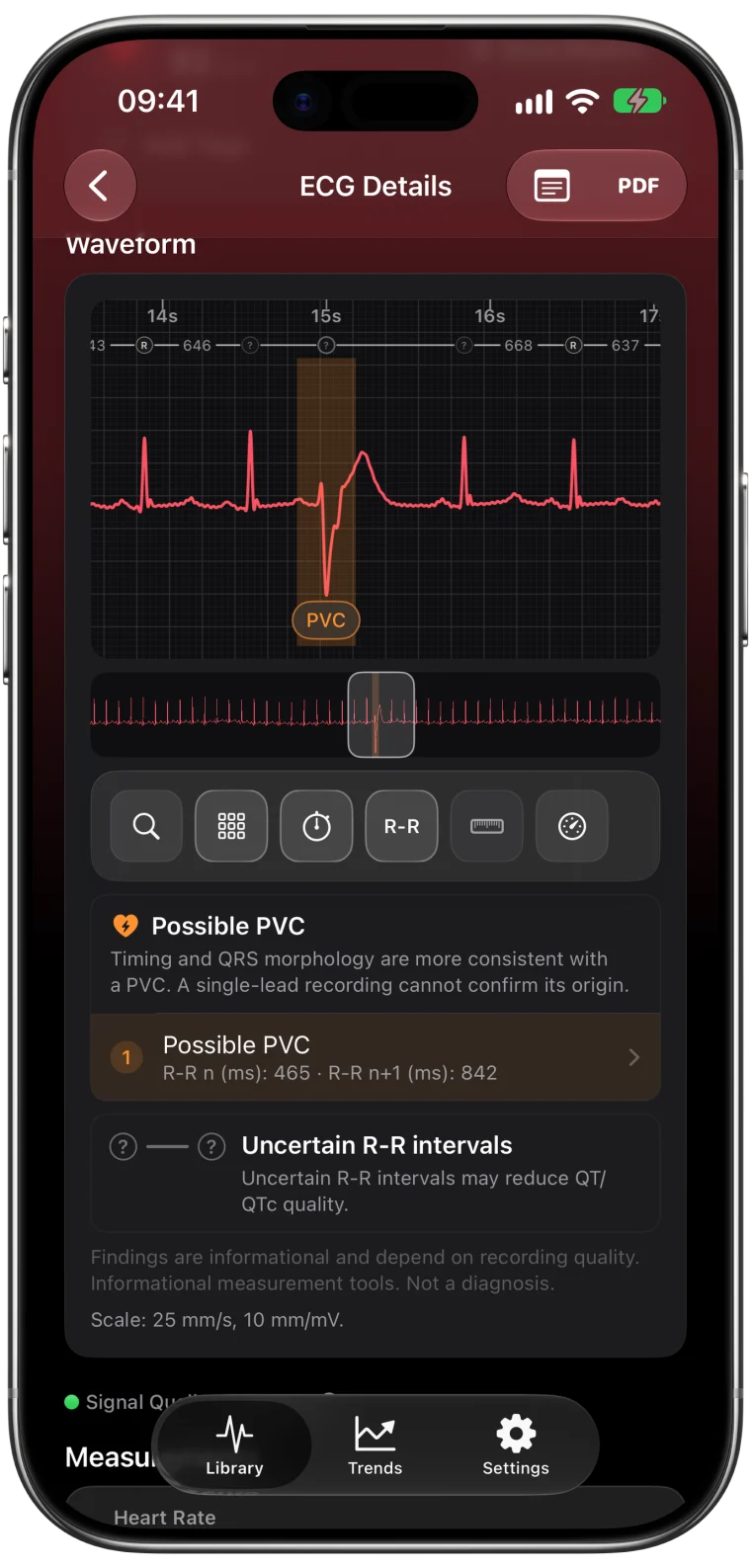
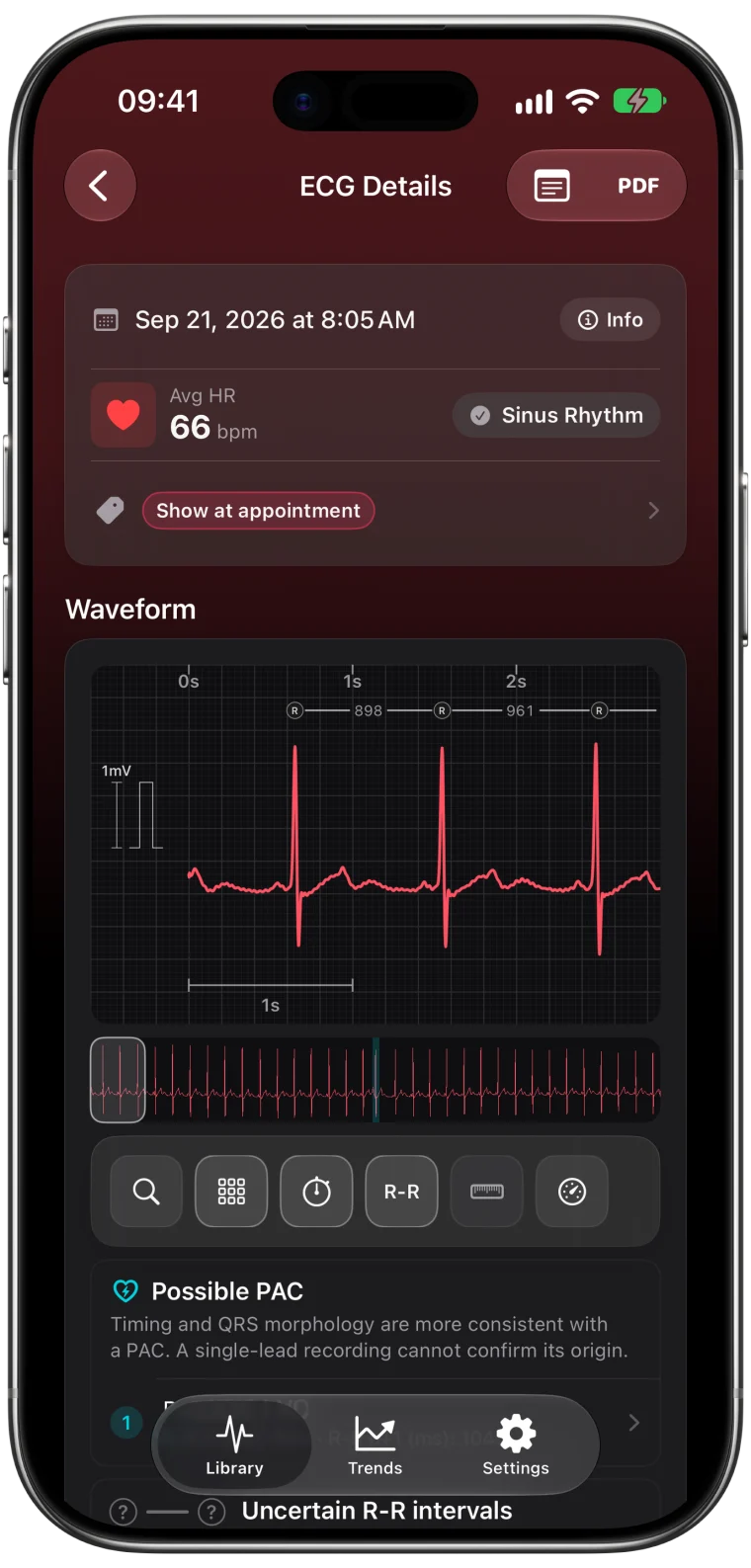
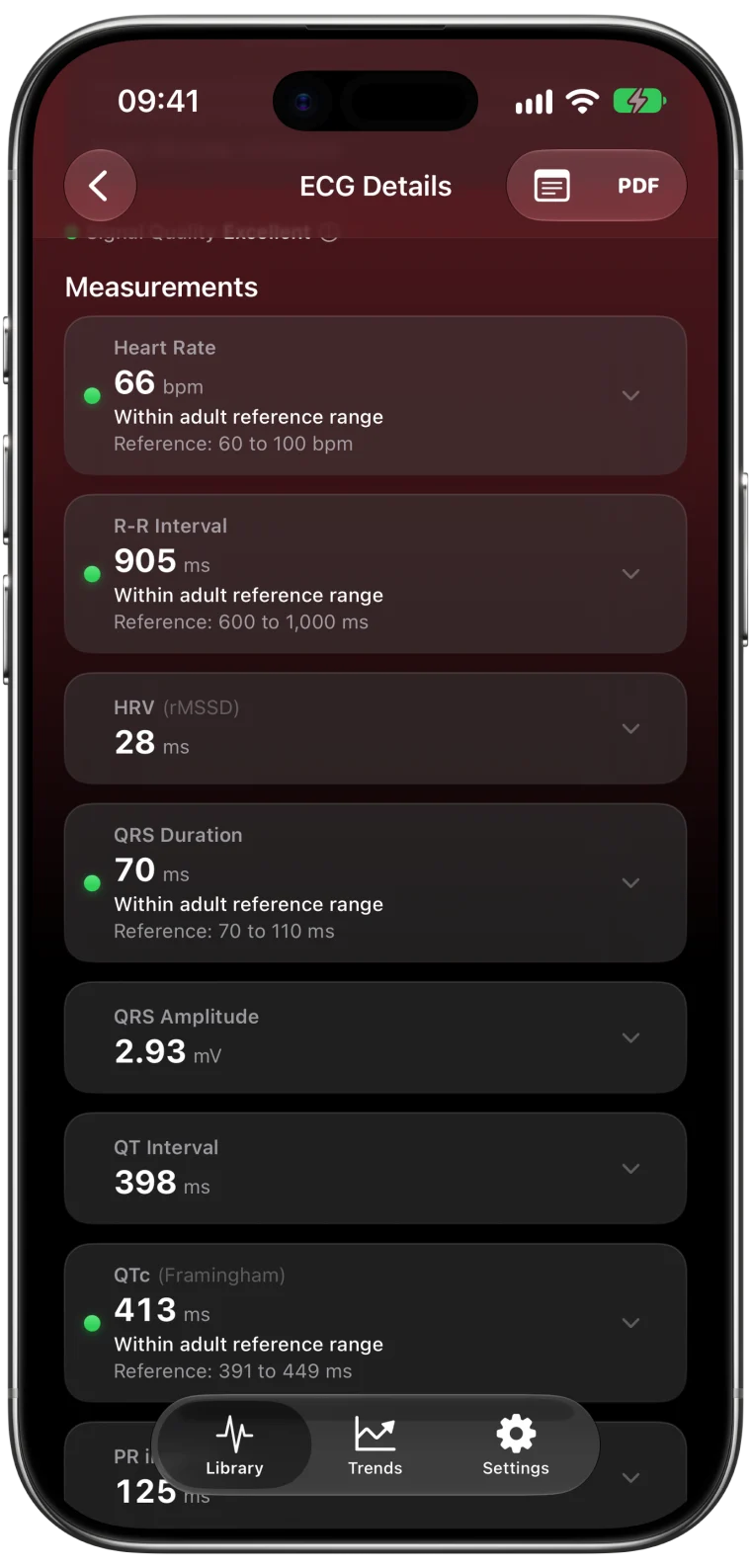
A clean ECG looks calm. The baseline between beats is flat, the P and T waves are visible and every QRS stands out sharply. A noisy ECG looks fuzzy or wandering, and small waves disappear into the noise. The good news is that most noise has a simple cause, and a few habits make a big difference.
Seven fixes for a clean recording
These come from Apple's own guidance, with the reason each one matters.1
- Rest your arms. Put both forearms on a table or in your lap. Muscle activity in your arms produces its own electrical signals, which show up as fine, fast noise.
- Stay still and relaxed. Movement shifts the contact between skin and sensor. Breathe normally, do not talk and keep your shoulders loose.
- Wear the Watch snug. The back of the Watch must touch your wrist the whole time. A loose band is one of the most common causes of Poor Recording.
- Keep everything dry. Water, sweat and lotion interfere with electrical contact. After swimming, showering or heavy sweating, Apple notes the Watch can take an hour or more to dry completely.
- Check your wrist setting. The Watch must be on the wrist chosen in the Apple Watch app under My Watch → General → Watch Orientation. If it is not, the waveform can appear upside down.
- Use the opposite hand. Hold a fingertip of the other hand on the Digital Crown. You do not need to press it.
- Move away from plugged-in electronics. Chargers, lamps and appliances can add electrical interference.
When your finger is not detected
If the countdown keeps restarting or the Watch does not register your finger, make sure the fingertip rests on the crown, your skin is clean and dry, and nothing sits between your finger and the crown. Gentle, steady contact works better than pressing hard.
What noise does to measurements
Noise affects the smallest waves first. The tall QRS complexes usually stay visible, so heart rate is often still measurable. The small P waves and the end of the T wave can disappear, which may make PR or QT unavailable. Noise can also look like extra beats, or hide real ones.
That is why ECG Tracker+ shows a signal quality label for every recording.
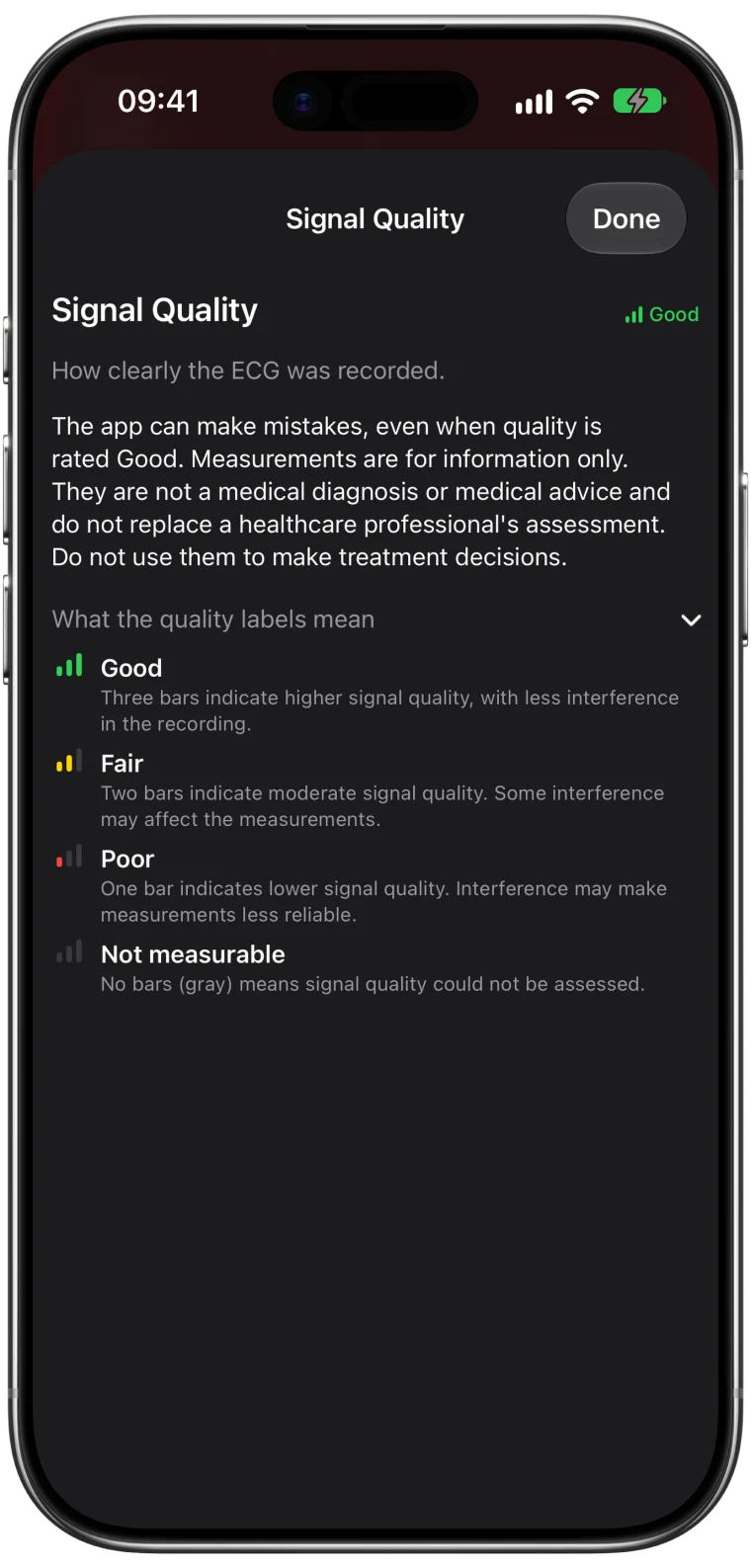
| Quality label | What it means for the measurements |
|---|---|
| Good | Higher signal quality with less interference |
| Fair | Some interference that may affect measurements |
| Poor | Interference may make measurements less reliable |
| Not measurable | Quality could not be assessed |
A Good label means the recording is clear. It does not mean the recording is normal or that the measurements are clinically exact.
A simple routine for comparable recordings
If you record regularly to compare over time, a consistent routine helps as much as a clean signal.
- Record at a similar time of day, for example in the morning before coffee.
- Sit for a few minutes first.
- Use the same posture and arm position each time.
- Add a short note when something is different, such as after exercise or poor sleep.
Comparable recordings make your Trends far more meaningful.
When a clean recording is still hard
For a small number of people, the position of the heart makes the Watch signal naturally weak, and some recordings will always be small.1 If most of your recordings are Poor or Inconclusive despite good technique, keep them anyway and discuss them with a clinician rather than recording over and over.
Frequently asked questions
Why does my Apple Watch ECG say Poor Recording?
Poor Recording, used in ECG app version 2, means the signal was not good enough to classify. Movement, a loose band, damp skin, the wrong wrist setting and nearby electronics are the usual causes.
Why does my Apple Watch ECG look fuzzy?
Fine, fast fuzz usually comes from muscle activity or electrical interference. A wandering baseline usually comes from movement or breathing. Resting your arms and staying still fixes most of it.
Does a Good signal quality label mean my ECG is normal?
No. It means the recording is clear enough for measurements. It says nothing about whether your heart rhythm or intervals are typical.