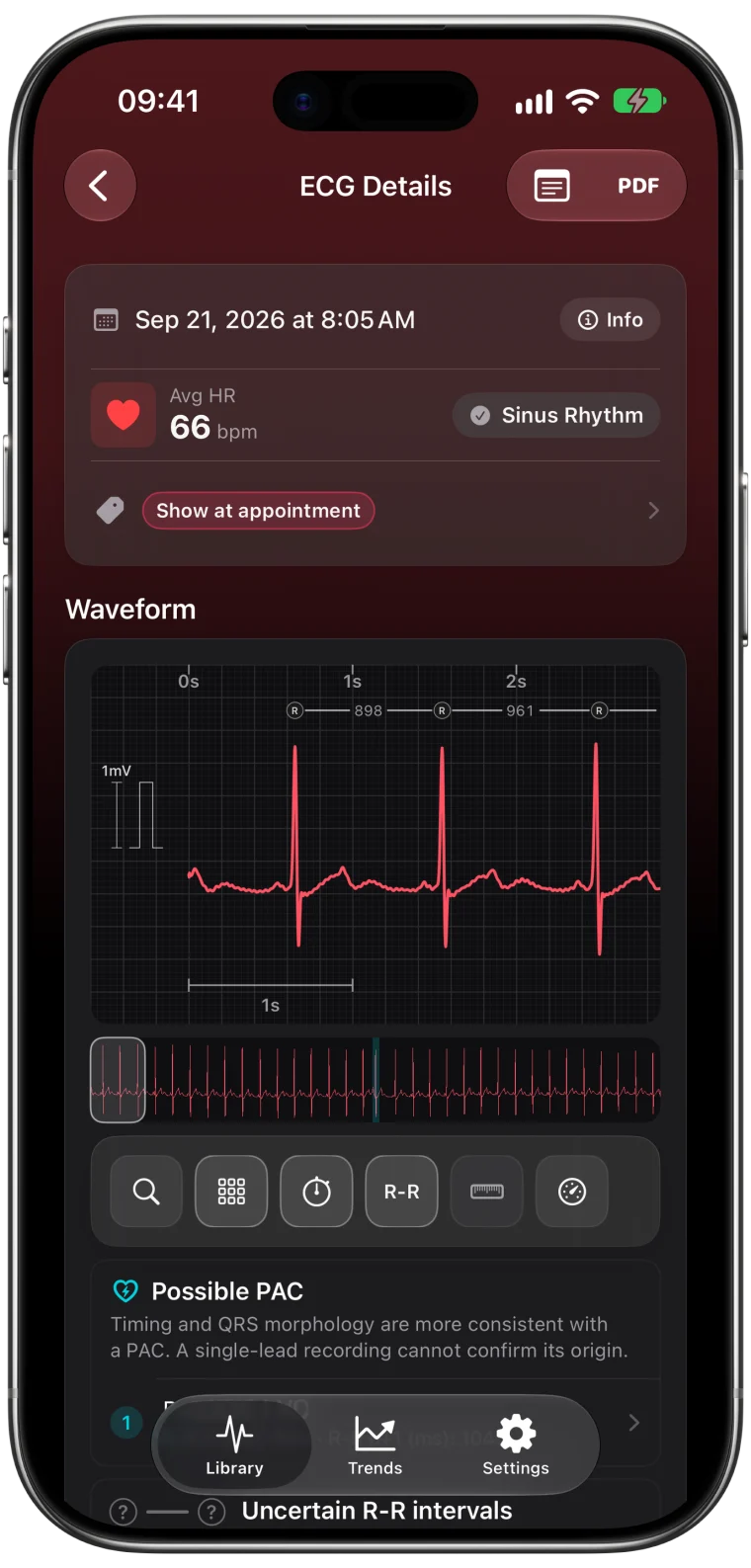
You open a recording and something looks off. The tall, sharp spikes that normally point up are pointing down, and the whole trace looks like a mirror image of what you expected. In most cases your heart is not doing anything unusual. The Watch is simply measuring from the opposite direction.
Why the wrist setting flips the trace
An ECG measures the voltage between two points. The Apple Watch records between your wrist and the fingertip of your other hand on the Digital Crown, similar to lead I of a clinical ECG.1
If the Watch thinks it is on your left wrist but you wear it on the right, the two contact points are swapped relative to what the software expects. The electrical activity is the same, but it is measured from the opposite side, so the waves appear inverted. That is why Apple asks you to make sure the Watch is on the wrist you selected.2
How to fix it
- On your iPhone, open the Apple Watch app.
- Tap My Watch, then General, then Watch Orientation.
- Select the wrist you actually wear the Watch on.
- Record a new ECG with the ECG app.
Changing the setting does not change recordings that are already saved. Only new ECGs are affected.
Other reasons a trace can look unusual
- Very small waves. If the QRS spikes are short, noise can make the direction hard to judge. Better contact and resting your arms help.
- Noise. Movement and interference can distort the shape. The guide to a clean ECG covers the fixes.
- Individual anatomy. The size and direction of waves on a single lead vary from person to person. Some people normally have smaller or differently shaped waves on lead I.
- Only the T wave points down. If the QRS points up but the T wave after it points down, that is a different finding. The T-wave inversion guide explains it.
If it still looks inverted with the right setting
If the wrist setting is correct and new recordings still look upside down, keep a couple of them and show them to a clinician. A single-lead watch recording cannot explain why a wave points a certain way, and a 12-lead ECG gives a much fuller picture.
An unusual-looking trace on its own does not mean something is wrong. If you have symptoms, talk to a doctor whatever the recording looks like.
Frequently asked questions
Why is my Apple Watch ECG inverted?
The most common reason is that the Watch is on a different wrist than the one selected under Watch Orientation. Fix the setting and record again.
Will changing the wrist setting fix my old ECGs?
No. Saved recordings stay as they were recorded. New ECGs taken after the change will use the new setting.
Does an upside-down ECG affect heart rate?
Heart rate is based on the timing between beats, so it is usually still measured. Shape-based measurements are more reliable once the setting is correct.