Your Watch says your heart rate peaked at 110 bpm at 2 pm. You recorded an ECG at 2:05 that shows 88 bpm. Is one of them wrong? Almost certainly not. They measured different things, a few minutes apart, and your heart rate changes quickly. Understanding the difference makes both kinds of data far more useful.
Two sensors, two kinds of data
Optical heart rate. The green lights on the back of the Watch detect changes in blood flow through the skin. Apple Watch uses them to measure heart rate periodically through the day, more often during workouts.1 Each reading is a number with a timestamp.
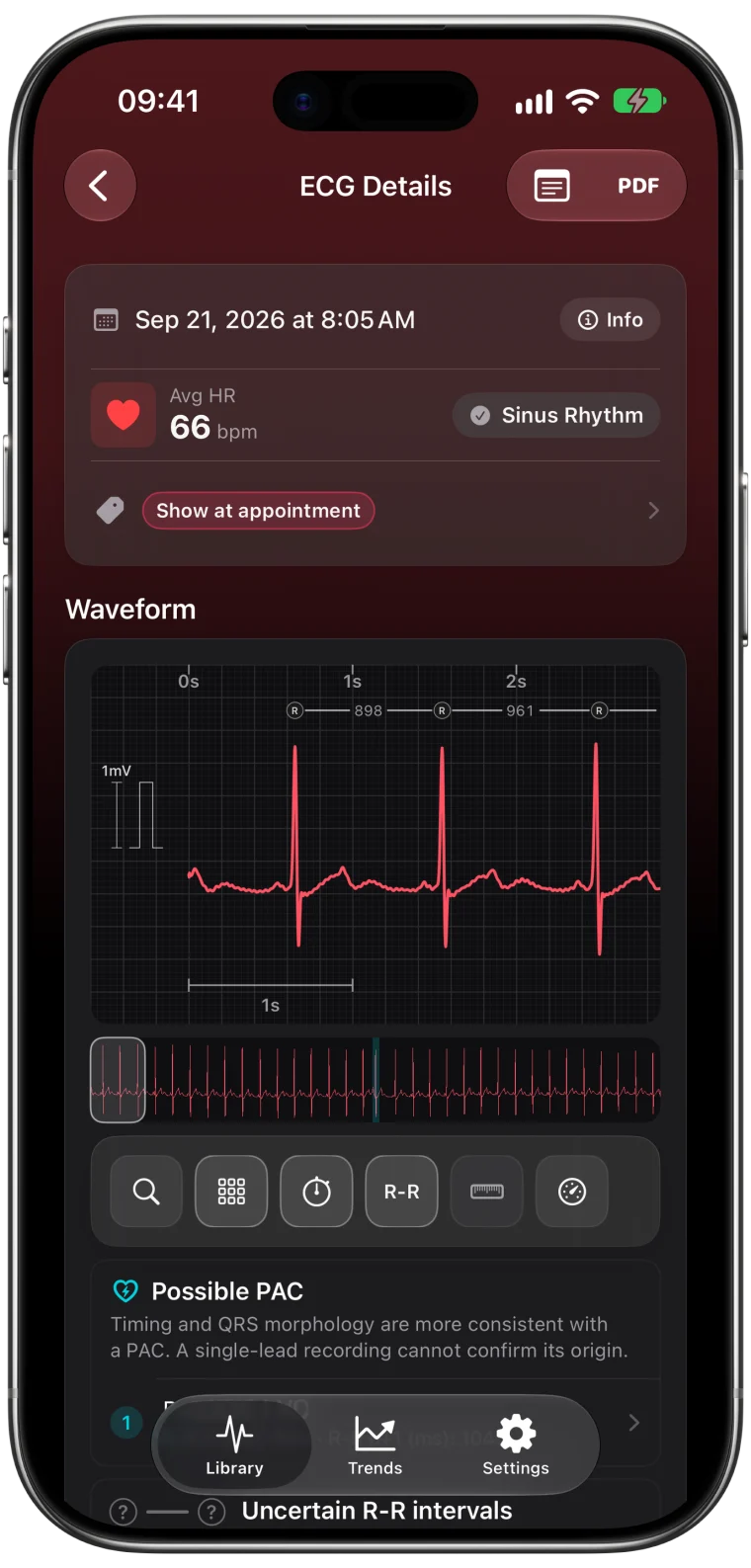
Electrical ECG. When you open the ECG app and hold your finger on the crown, the Watch records the heart's electrical activity for 30 seconds. The result is a full waveform, from which heart rate and other measurements can be calculated.2
A heart rate reading does not create an ECG, and an ECG is not continuous. Between recordings there is no waveform at all.
| Optical heart rate | ECG recording | |
|---|---|---|
| When | Automatically through the day | Only when you start it |
| What you get | A heart rate number | A 30-second electrical waveform |
| Can show rhythm details | No | Yes, within its 30 seconds |
| Stored in | Apple Health | Apple Health |
Why the numbers differ
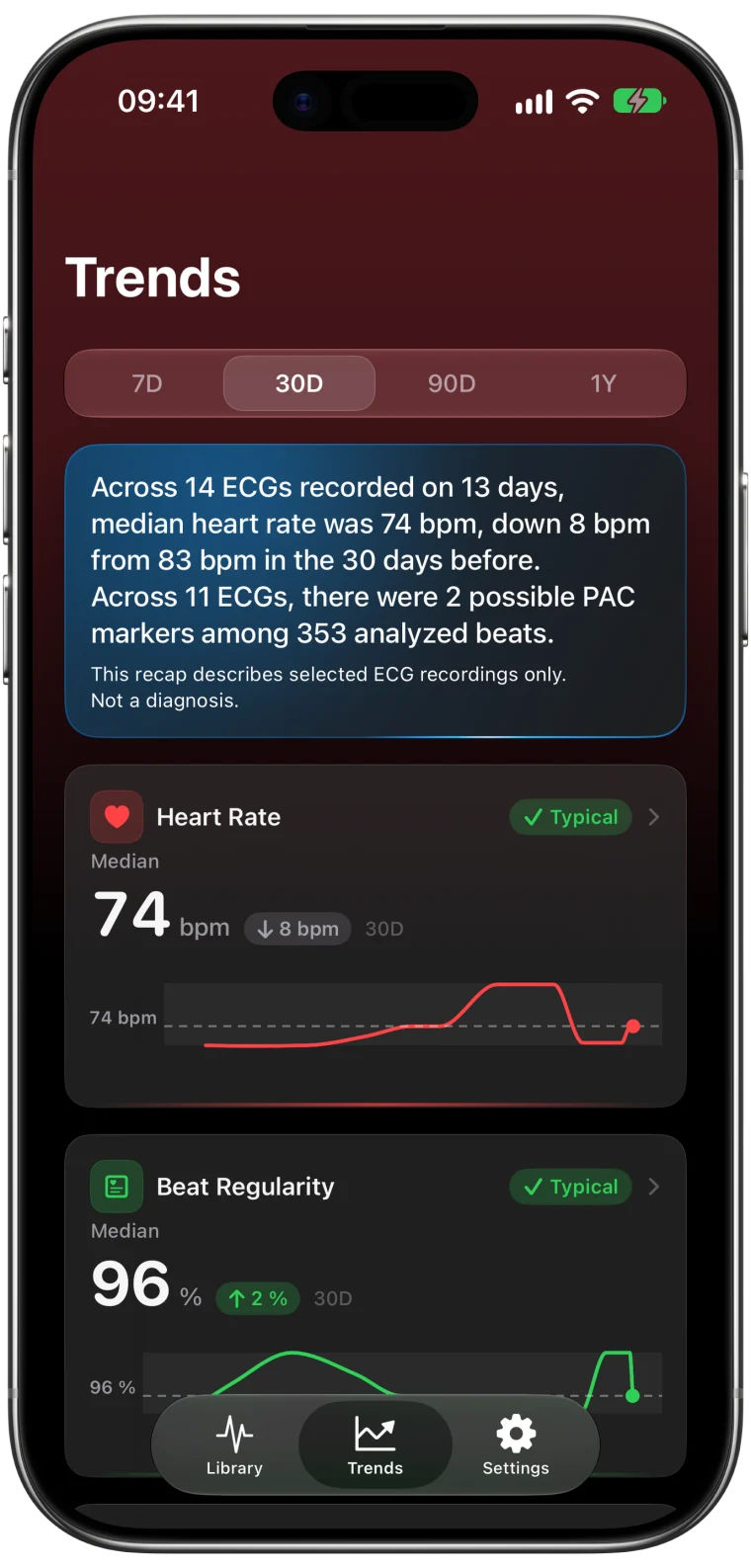
Heart rate from an ECG is calculated from the time between beats across the whole 30 seconds. An optical reading is a separate estimate at a separate moment. Standing up, talking or a deep breath can change your heart rate by 10 or 20 beats per minute within a minute, so two measurements a few minutes apart often disagree. Neither one is "wrong".
Find an ECG in the flow of your day
Heart Rate Timeline in ECG Tracker+ places your Apple Health heart rate readings on a daily chart, with numbered markers for each ECG you recorded that day.
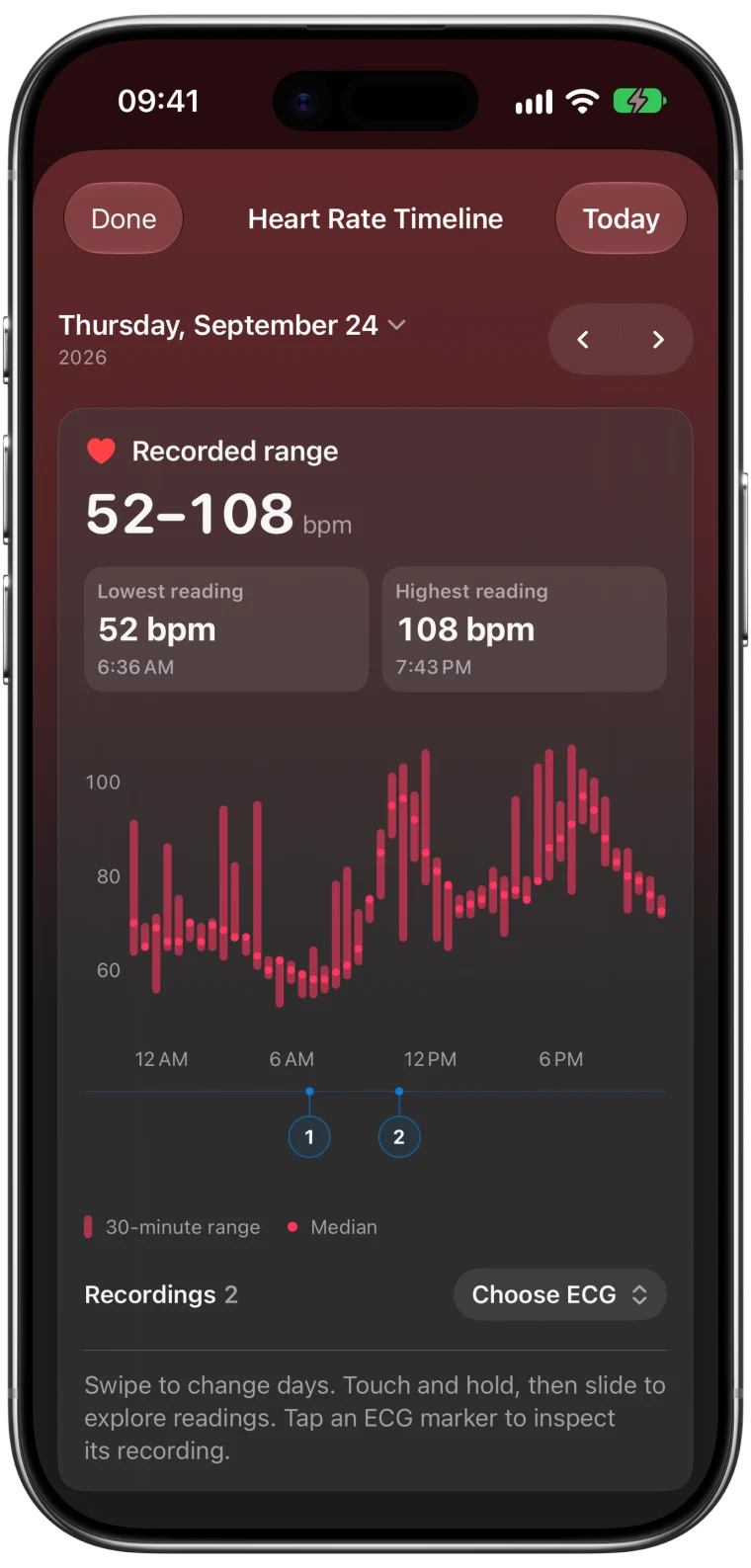
- Open Heart Rate Timeline from the Library.
- Swipe to change days, or pick a date.
- Touch and hold the chart, then slide to read the heart rate at any time.
- Tap a numbered ECG marker, or Choose ECG, to open that recording.
This is especially helpful when you remember a moment, such as "the fluttering after lunch on Tuesday", but not the exact time of the ECG you took.
Reading gaps and ranges
Gaps in the chart mean there are no heart rate readings for that stretch. They say nothing about what your heart was doing. Some readings are grouped into ranges when many fall close together, and the selected point tells you whether you are looking at a range or a single reading.
If a day looks emptier than you expect, check that Health has heart rate data for that date and that ECG Tracker+ has permission to read it.3
Use each view for its job
- Heart Rate Timeline helps you find recordings in time and see what your heart rate did around them.
- ECG Trends summarize the measurements from your ECGs across weeks and months. The Trends guide explains them.
- The ECG itself shows the rhythm and intervals for its 30 seconds.
Because they use different data, their heart rate summaries do not need to match.
Frequently asked questions
Is Apple Watch heart rate accurate compared with ECG?
They measure different things at different times. An ECG calculates heart rate from the electrical signal during 30 seconds, while optical readings are separate estimates. Differences between them are expected, especially when heart rate is changing.
Does a high heart rate notification record an ECG?
No. Heart rate notifications come from the optical sensor. To capture a waveform, you need to open the ECG app and record.
Can I see heart rate and ECGs on the same chart?
Yes. Heart Rate Timeline in ECG Tracker+ shows Apple Health heart rate readings for a day with a marker for each ECG you recorded.