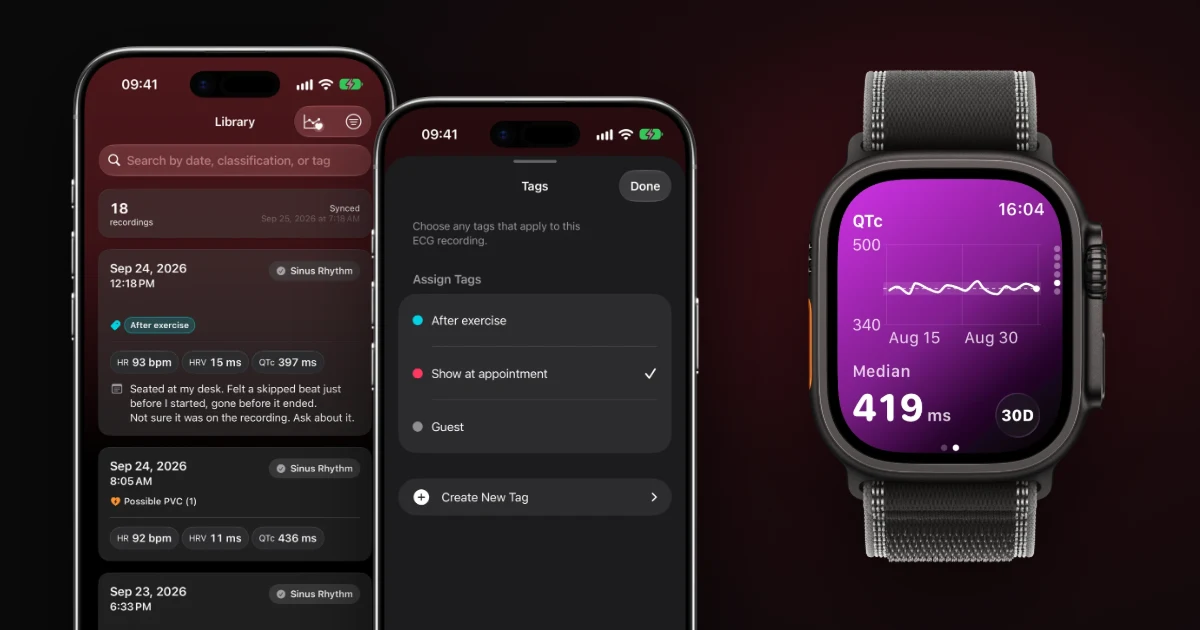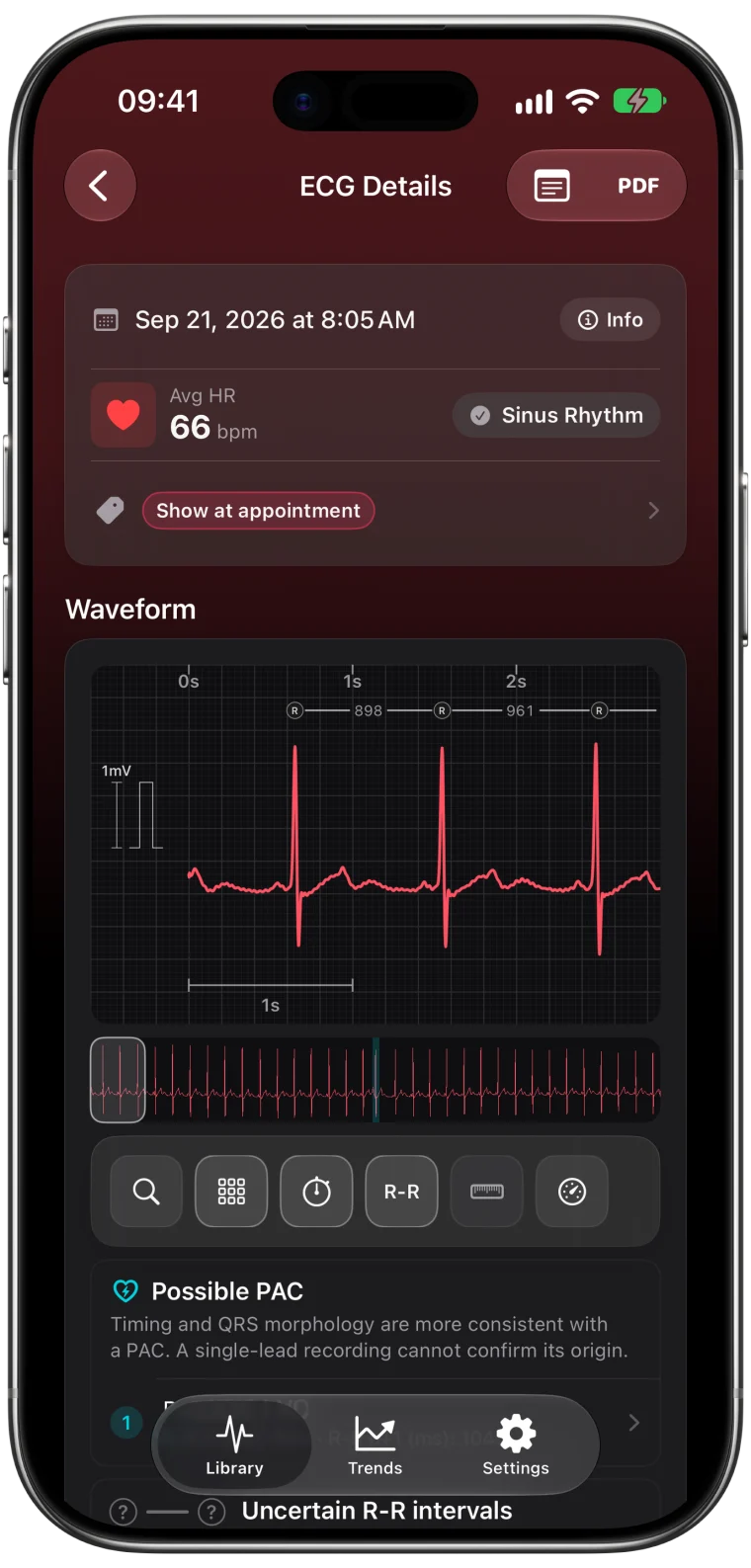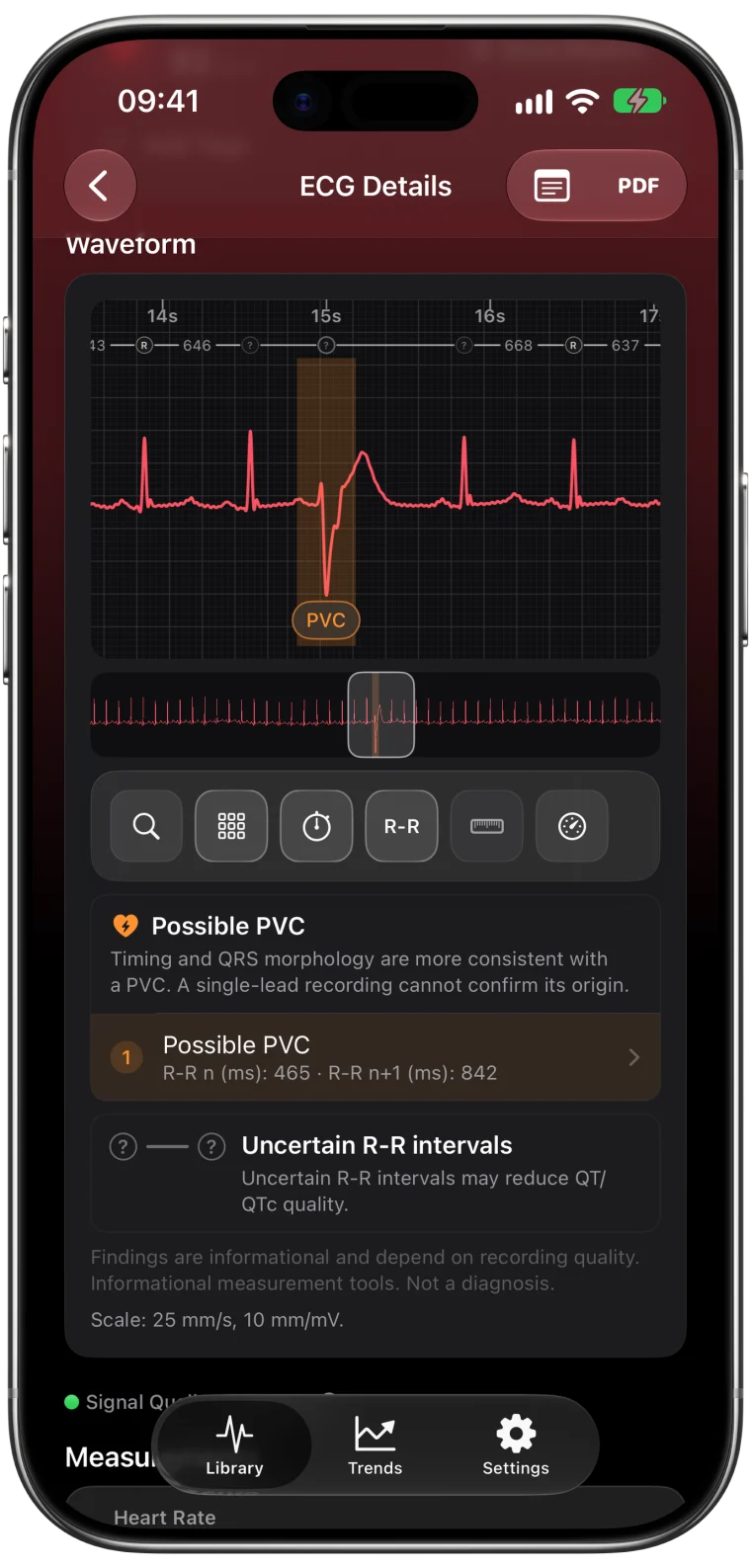
A PDF is the easiest way to get an Apple Watch ECG in front of a clinician. It works with patient portals, email and printers, and nobody needs to install anything. The question is which PDF to send, and that depends on what you want to discuss.
Option 1: Export the original ECG from Apple Health
Apple's own PDF contains the waveform, the classification, the average heart rate and any symptoms you logged. It is the official record of the recording.1
- Open Health on your iPhone.
- Go to Browse (or Search), then Heart, then Electrocardiograms (ECG).
- Select the recording.
- Tap Export a PDF for Your Doctor.
- Tap the Share button and choose how to send or save it.
Send Apple's PDF when you want the original result exactly as the Watch recorded it.
Option 2: Create a detailed report in ECG Tracker+
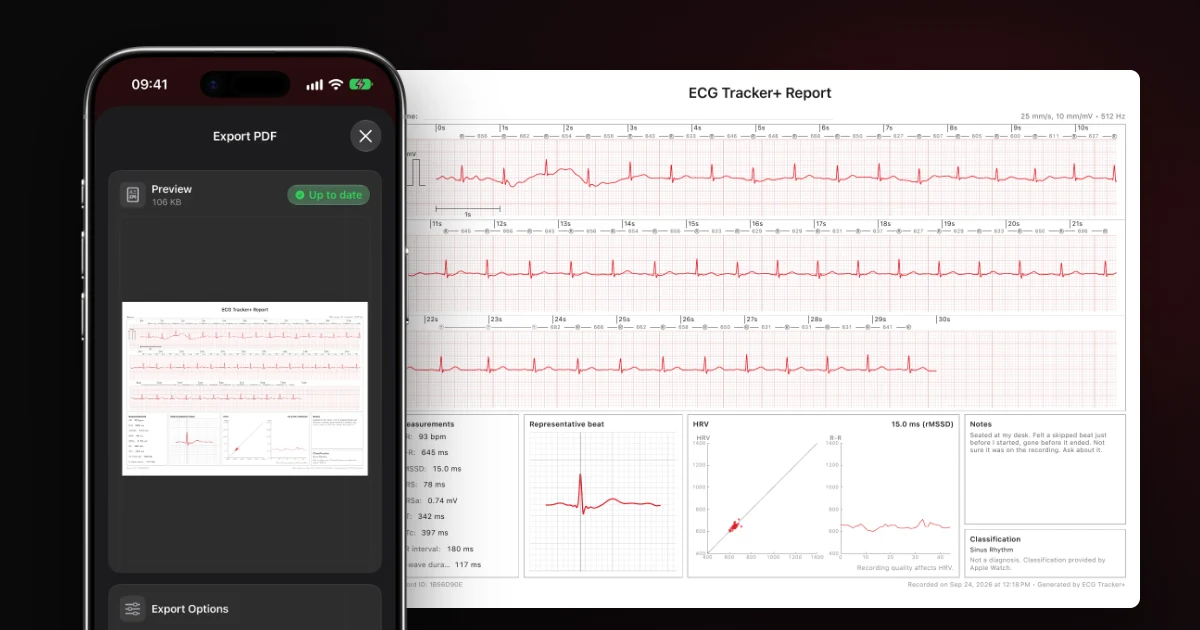
The ECG Tracker+ report is built for a conversation. Alongside the full calibrated strip, it can include informational measurements, a representative beat, an HRV plot, your notes and Apple's classification. You can export a PDF for each of your three free analyses a month, or for any recording with Pro.
- Open the ECG in ECG Tracker+.
- Tap PDF in the top-right corner.
- Review the preview and choose what to include under Export Options.
- Tap Share PDF.
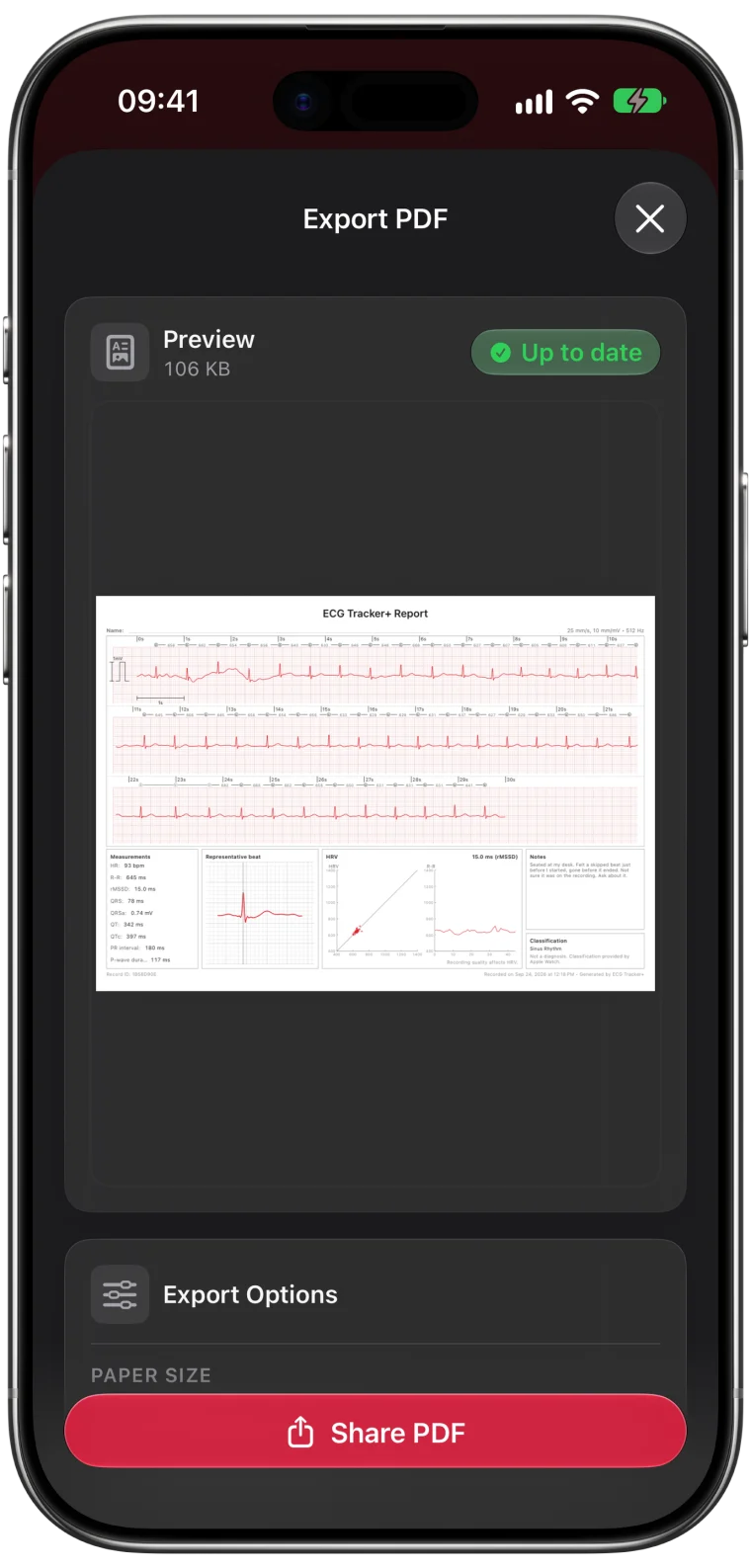
What the detailed report contains
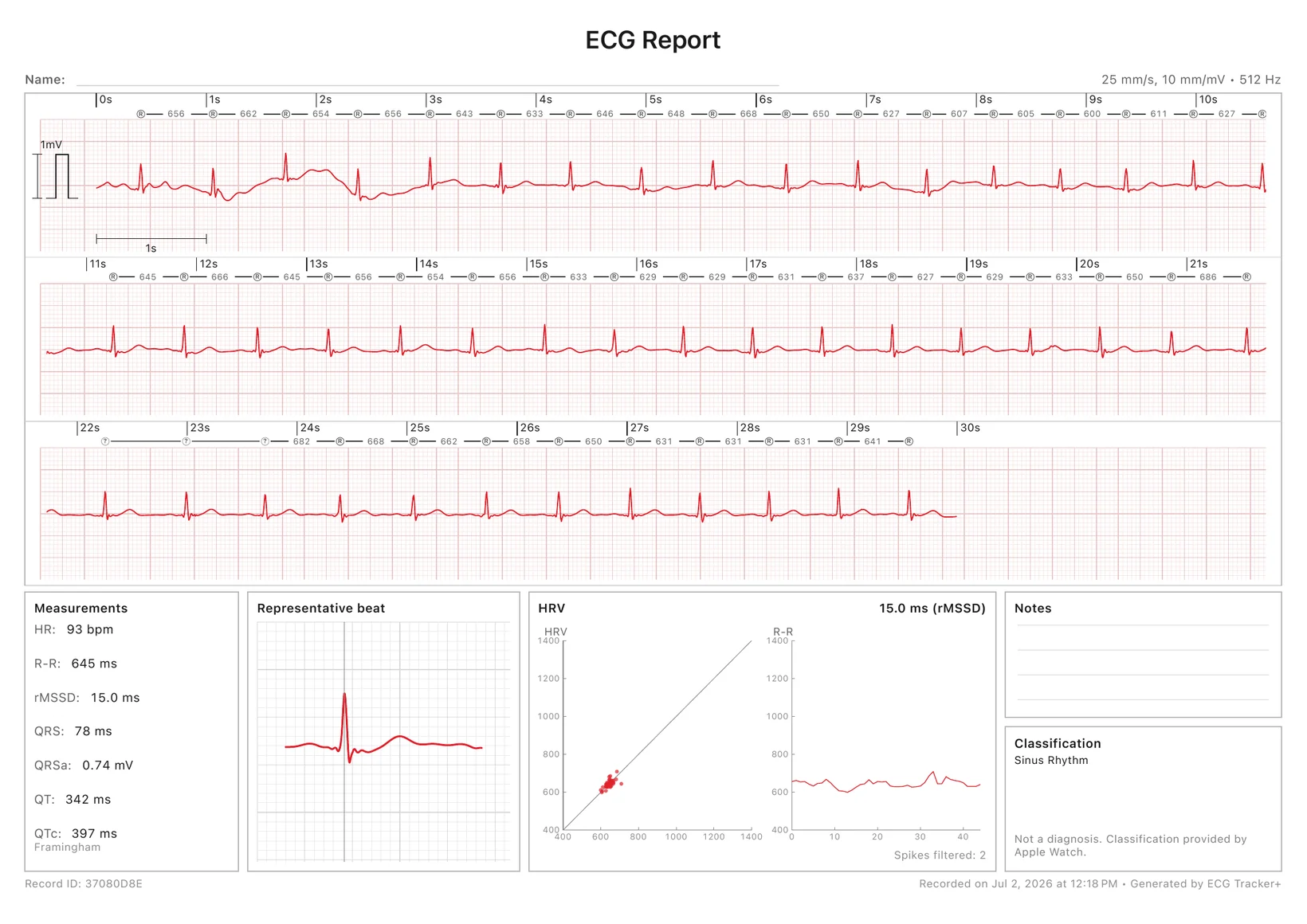
- The full 30-second waveform at standard speed and gain, split into readable rows with a time scale.
- R-R markers above the strip showing the time between beats.
- Measurements such as heart rate, R-R, HRV, QRS, QT and QTc, each labeled as informational.
- A representative beat to show the typical shape of one heartbeat.
- An HRV plot of beat-to-beat intervals.
- Notes and the Apple classification for context.
Which PDF should you send?
| You want to... | Send |
|---|---|
| Share the official Apple result | Apple Health PDF |
| Discuss intervals, HRV or possible extra beats | ECG Tracker+ report |
| Show a symptom you noted | ECG Tracker+ report with your note |
| Keep it simple for a quick check | Either, ask the clinic |
Many people send both. Ask your clinic how they prefer to receive files, and whether a patient portal is the safest route.
Before you press send
- Check the date and time so it is the recording you mean.
- Read the whole report once, including your note.
- Remove anything private you do not want to share.
- Mention manual adjustments. If you changed a measurement by hand, say so when you share it.
- Keep the original in Health either way.
A PDF preserves the values at the moment you export it. If the app later improves its analysis, the report stays as it was. The guide to changed measurements explains why.
A PDF is context for your clinician. It does not replace their assessment, and it should never delay care if you have symptoms such as chest pain, fainting or severe shortness of breath.
Frequently asked questions
Can I export several Apple Watch ECGs at once?
Export each recording you want to share, then send them together. Tagging the recordings first, as described in the organizing guide, makes them easy to find.
Do doctors accept Apple Watch ECG PDFs?
Many clinicians are happy to look at them as context, especially when they relate to a symptom. A watch ECG is a single-lead recording, so they may still want a 12-lead ECG or longer monitoring.
Does the ECG Tracker+ PDF include my calipers?
No. The report shows the recording and the app's measurements. Calipers you placed while viewing are not included, so describe any manual measurement separately.